
How to keep a content calendar you'll actually use
What you’ll learn: set up a lightweight system so every post looks like you, even when different people make them.
This works for any business posting its own social. No design software skills needed, just a willingness to set the rules once and then follow them. Work through the steps in order the first time; after that you only revisit the last two.
Decide what you can honestly sustain
Don't plan posts. Plan categories, then fill them.
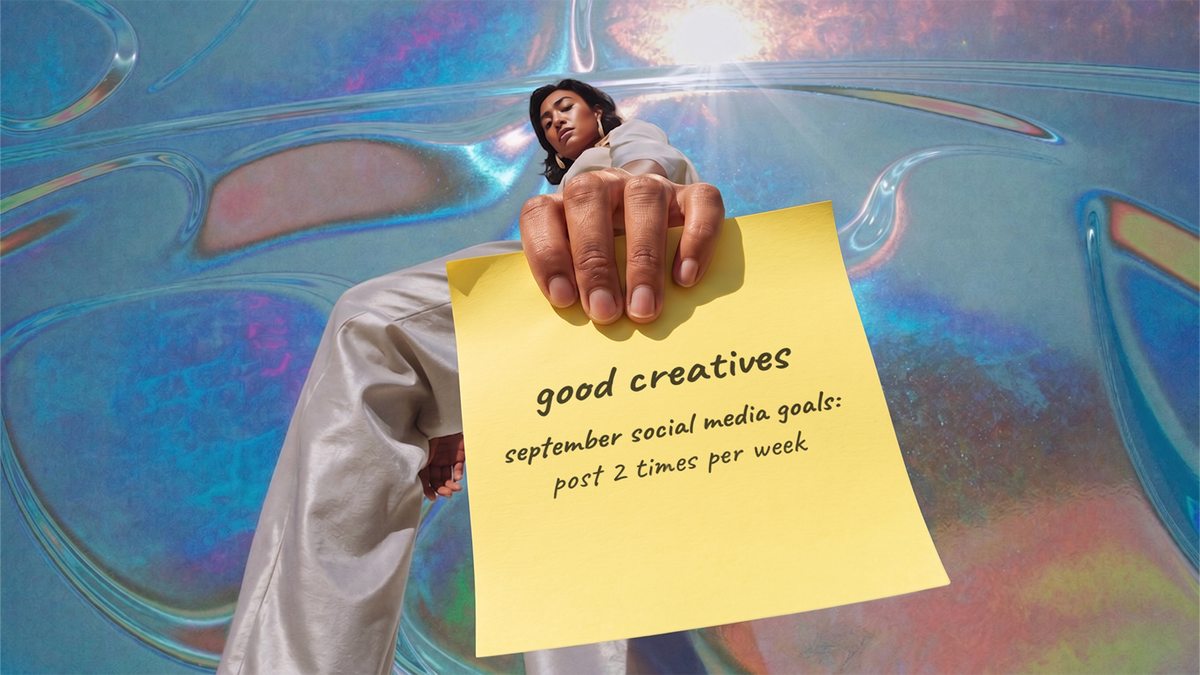
Pick a number you'd hit in your worst month, not your best. For most owner-run businesses that's one or two posts a week. Write it down and treat it as a ceiling, not a target.
Write the four down. This list is the calendar's spine, and everything after this step is just filling slots.
Build three or four pillars, tied to what the business needs
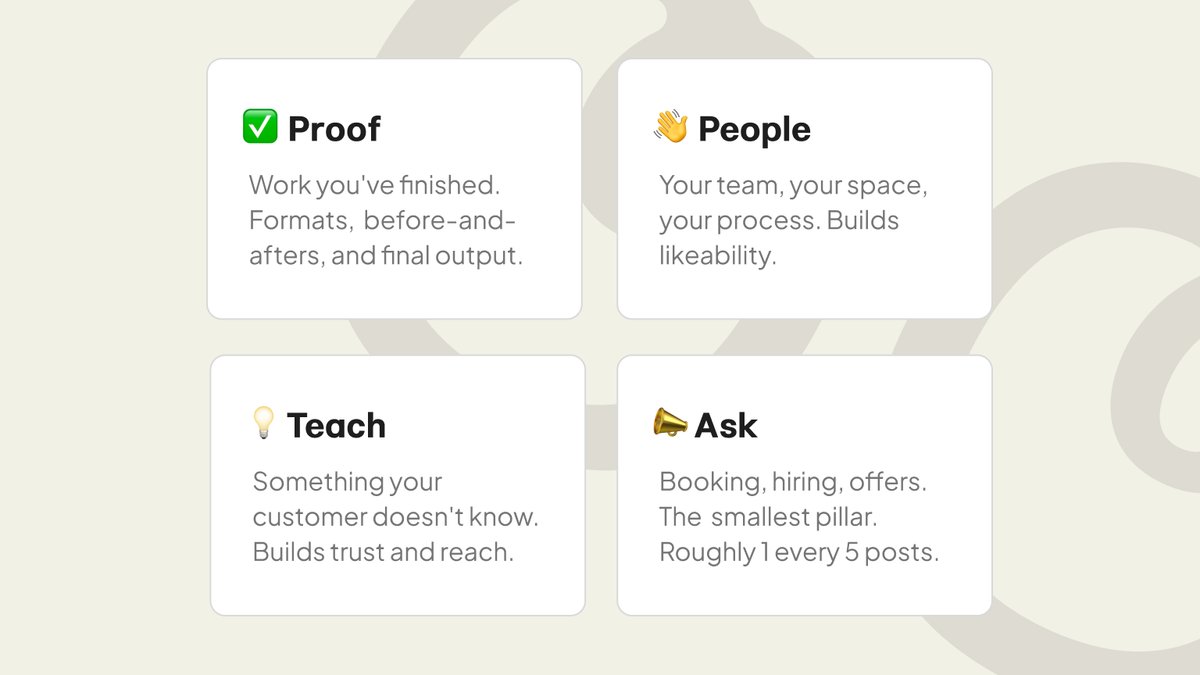
Pillars are repeating categories, not topics. Each one should map to something you're trying to do.
Examples: Proof (finished work, results) for credibility. Teach (something a customer doesn't know) for reach and trust. People (crew, process, day-to-day) for likeability. Ask (hiring, booking, offers) for conversion.
If a pillar doesn't connect to a business goal, cut it. Three good pillars beat five decorative ones.
Keep a running idea dump
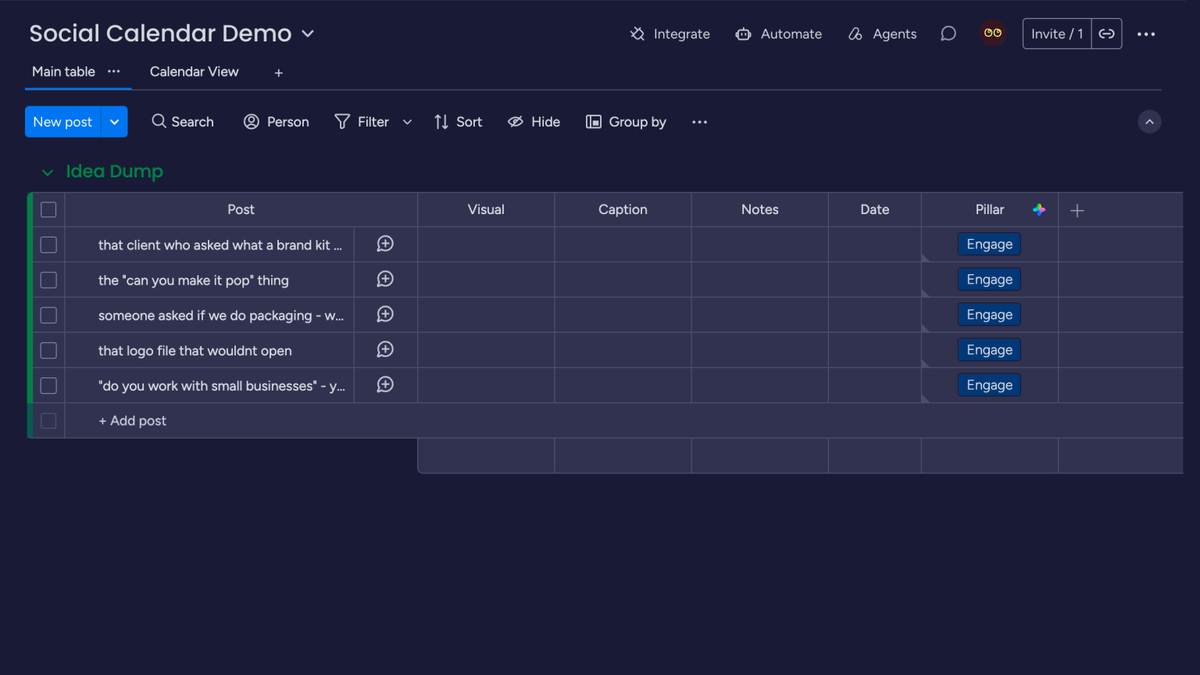
One list, always open, no organizing. Every time you notice something on a job or a customer asks a question twice, it goes in the list in whatever words come out.
This is the step that makes step 4 fast. Batching only works if you're picking from a list rather than staring at a blank month.
Batch copy and visuals monthly
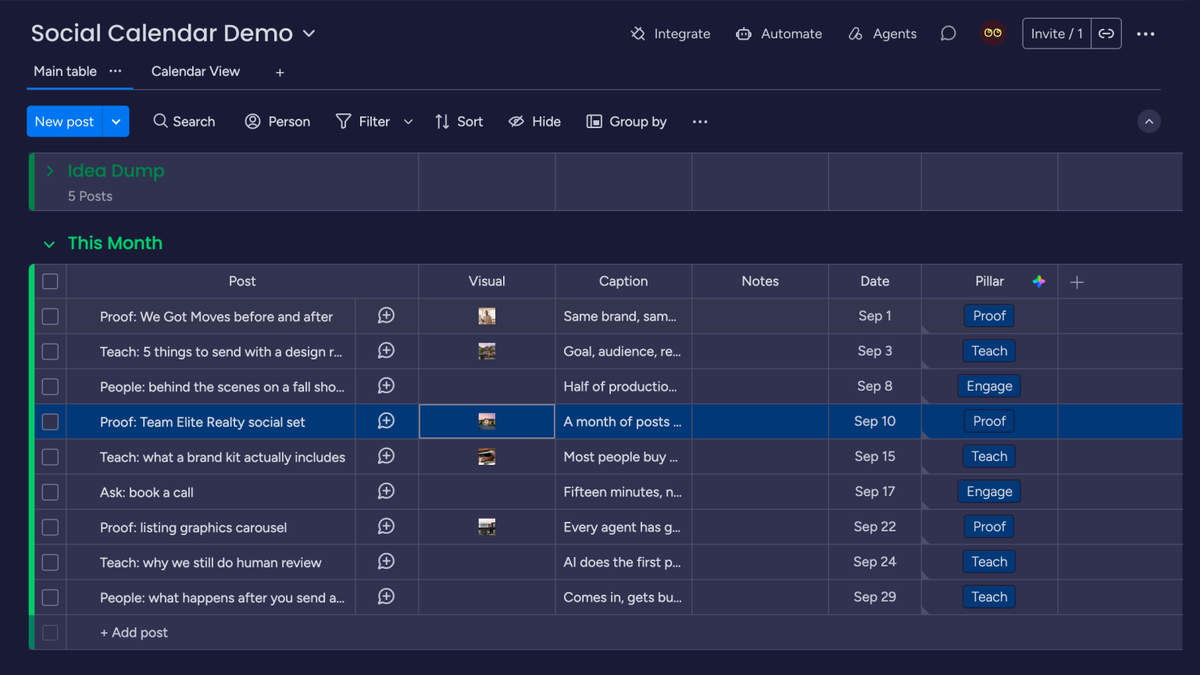
One sitting a month. Pull from the dump, assign each idea to a pillar slot, write the captions, and pick or shoot the visuals in the same session.
Batching works because switching between writing and shooting is what actually eats the time. Do all the writing, then all the visuals.
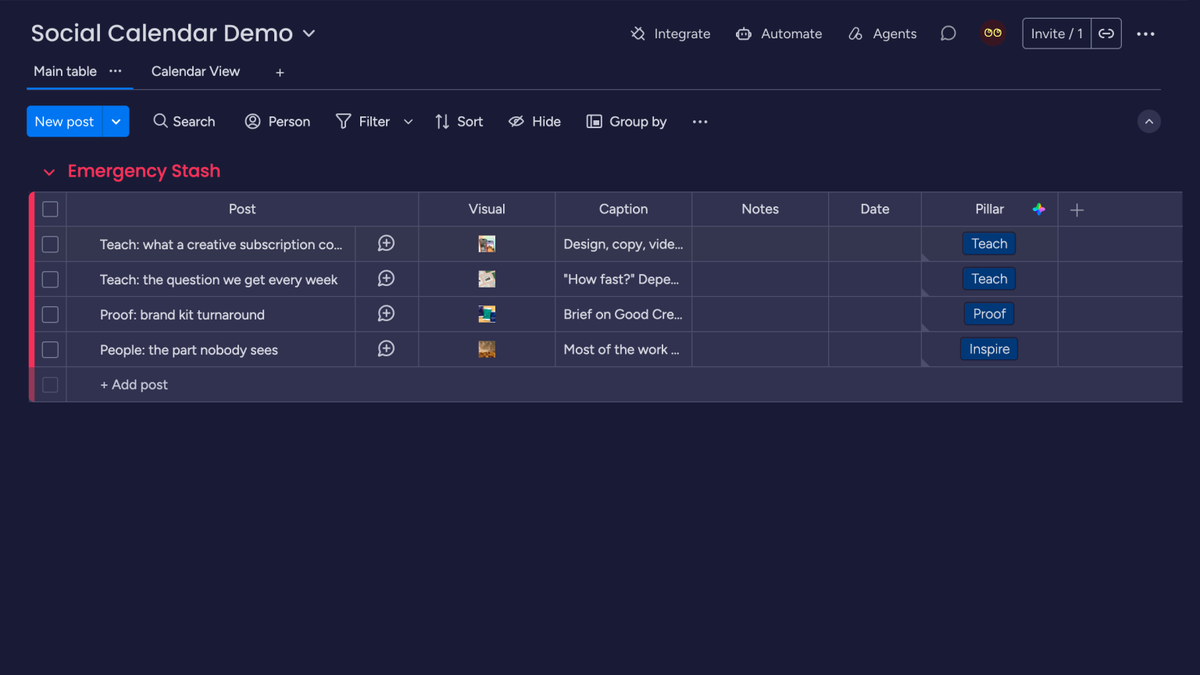
Build an emergency stash
Three to five finished posts that aren't tied to a date, sitting ready.
Evergreen things: a service explainer, a team photo, a common question answered, a shot of the shop. When a month falls apart, you post from the stash instead of posting nothing.
Refill it whenever you're over-produced. This is the single thing that most separates calendars that last a year from ones that die in March.
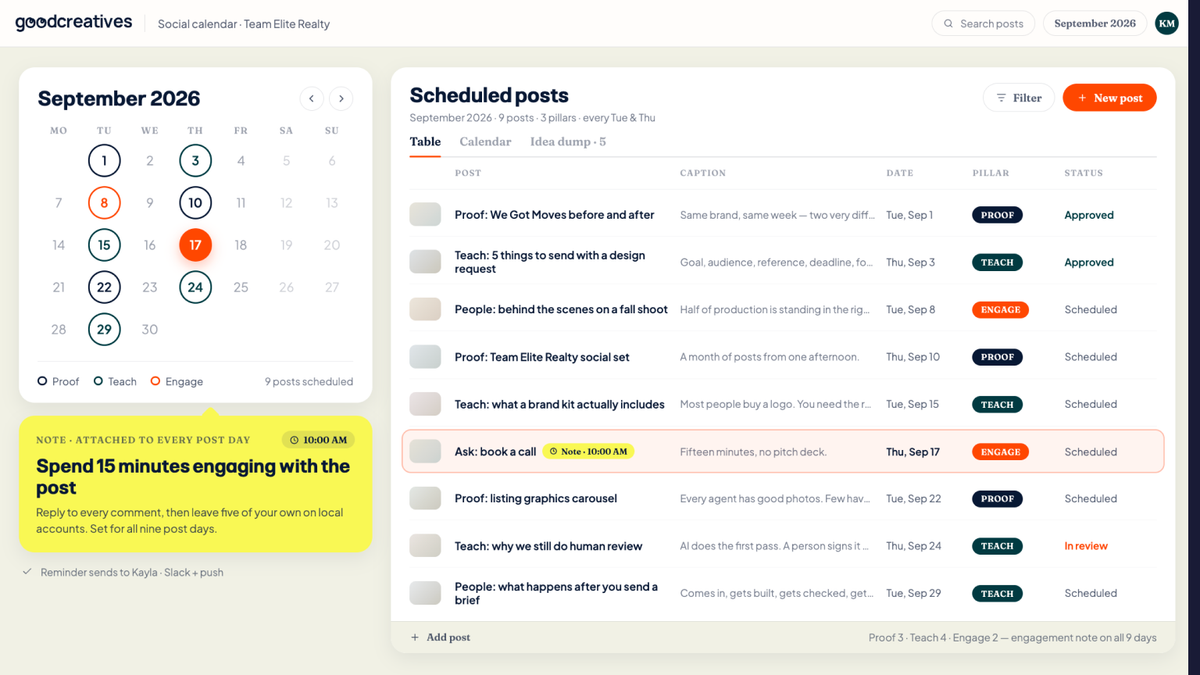
Schedule, then block fifteen minutes after each post
Schedule the month in one go rather than opening the app daily. Manual posting is where good intentions die, and it drags you into the feed every time.
Then block fifteen minutes after each post goes live to reply to comments and messages. Scheduling without engagement gets you a feed that looks automated, because it is. The fifteen minutes is what makes it a conversation.
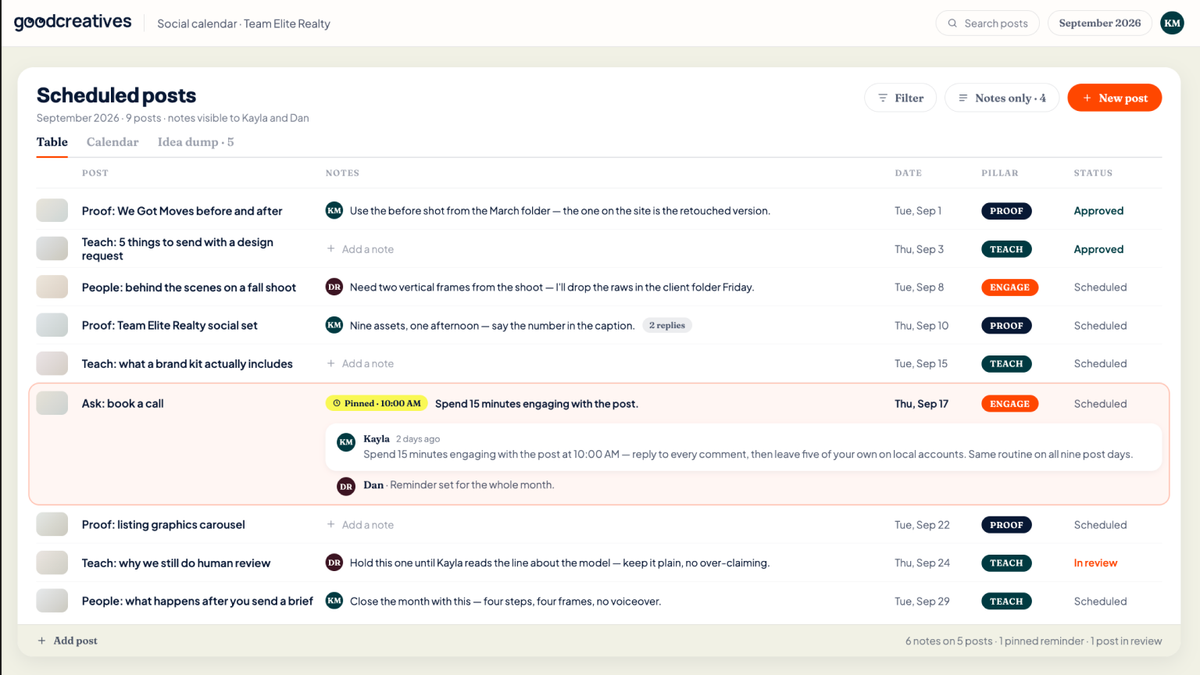
Track outcomes in the notes column
One line per post after the fact. What it was, what happened, anything you noticed.
You're not doing analytics. You're building a record of which pillar keeps working and which one you keep skipping. After three months the pattern is obvious, and that's when you adjust the pillars rather than guessing.
You've built a system, not a habit.
Here's everything you set up:
- A sustainable posting number
- Three or four pillars tied to business goals
- A running idea dump
- One monthly batching session
- An emergency stash of finished posts
- Scheduled posts plus fifteen minutes of engagement
- A notes column that tells you what's working
Let's make something good.
Send your first request and see it come back on brand, this week.
Get started